
Kobie guide
On this page
Kobie user guide
Quick start
Follow these short steps to sign in, choose a conversation, and ask your first question.
What you need
To start using Kobie, you only need an account that your organization has granted access to and an up-to-date browser.
- An active Kobie account from your organization.
- A modern browser, such as Chrome, Edge, Firefox, or Safari.
- A stable internet connection to receive responses.
- A question or task you want to complete.
Sign in to Kobie
- Open the Kobie link provided by your organization.
- Select Sign In, then enter your account email and password.
- After you sign in, Kobie opens the chat page.
Start a conversation
On the chat page, describe your need with enough context. You can explain the goal, available material, and the response format you expect.
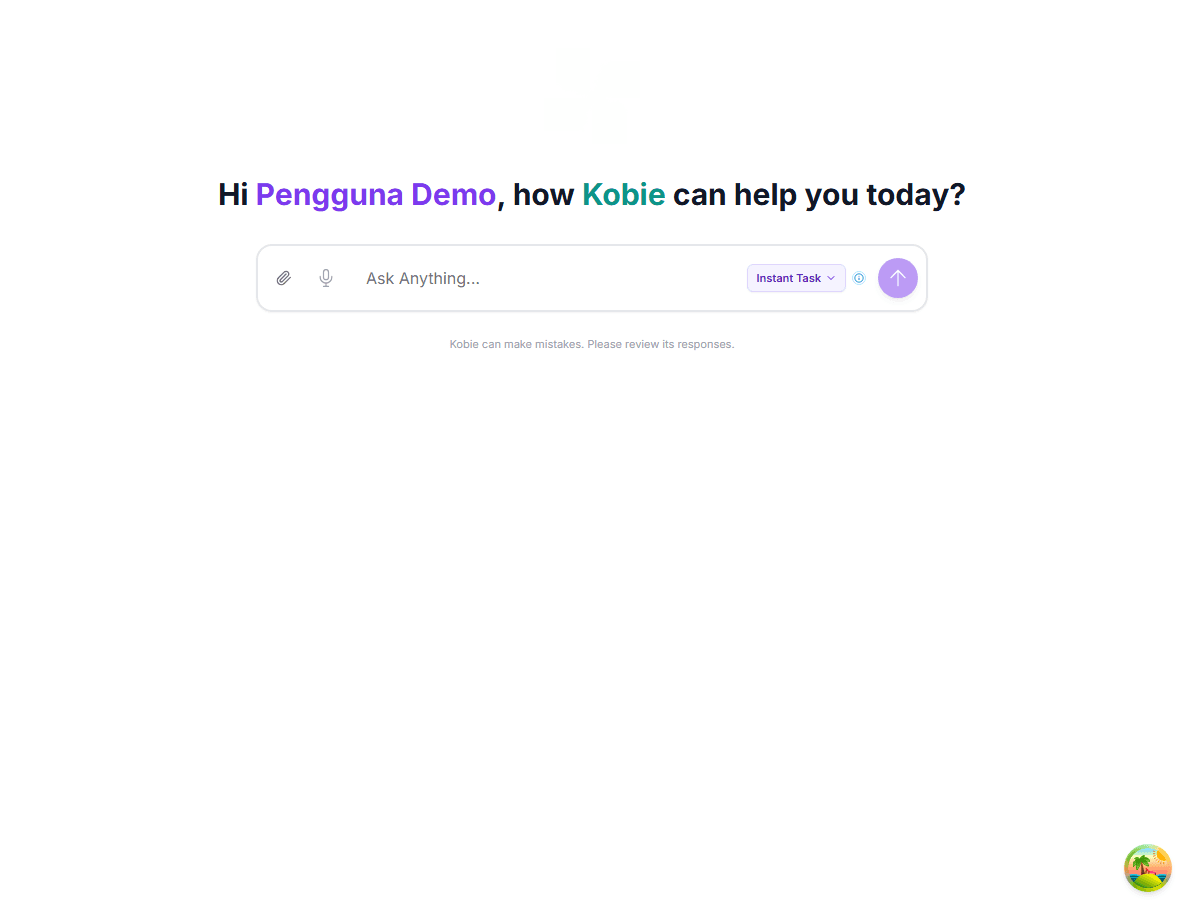
Example starter question: “Create a weekly sales report outline from the following points.”
After your first chat
The response appears in the same conversation. Continue with corrections or follow-up questions so Kobie retains context from earlier messages.
Kobie user guide — Updated August 2026